One line in.
A video out.
Write one line about what you want to make. We break it into scenes, draw them, add a voice, and hand back a finished video. No files to upload, no editor to learn.
Sign in with Google in 30 seconds · nothing to install

Scene 2
“While you're awake, adenosine builds up in the brain.”

Scene 6
“Caffeine happens to be shaped a lot like adenosine.”

Scene 7
“So it takes the seat first, and the sleep signal never lands.”
Actually made this way
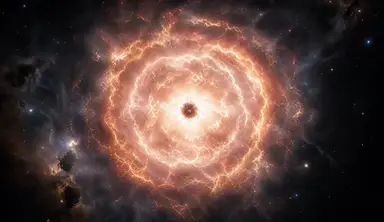
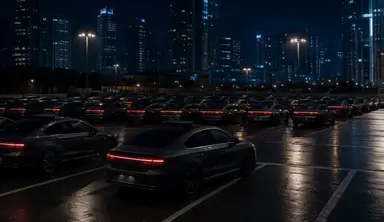
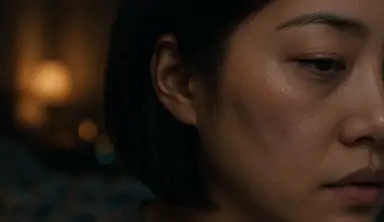
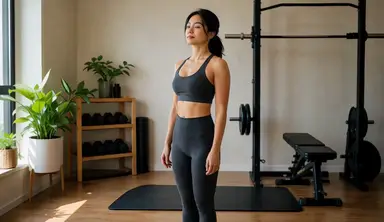
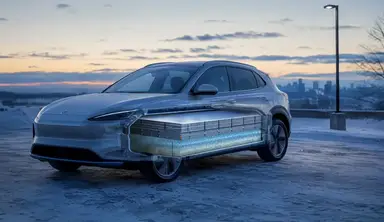
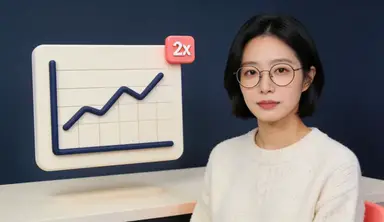
Each title below was the entire input. The scene breakdown, the visuals and the narration came from it. Titles translated — the videos are narrated in Korean.


Three steps, start to finish
No editing experience, no images to prepare. Just a line about what it's for.
- 01
Write one line
Something as short as “why compound interest is terrifying” is enough. If the idea is still fuzzy, talk it through in chat instead and we'll narrow it down together.
- 02
Check the scenes
You see the scene breakdown and the narration script before anything renders. Any line you don't like, fix it right there.
- 03
Wait for it
We generate the visuals and the voice, then stitch them into one video. It keeps going after you close the tab — come back and download it.
What you get along the way
You see it before we build it
No waiting to find out. The scenes and the script come first, you edit them, and rendering starts after that.
Narration included
The script is spoken in a natural voice and laid over the video. Scene length follows the actual speaking time, so picture and audio never drift apart.
Scenes flow, they don't cut
Each scene starts from the image the previous one ended on. The result reads as one continuous piece rather than separate clips taped together.
Watch it happen
The dashboard shows which scene is rendering right now. No refreshing.
Interruptions don't cost you
Finished scenes are never re-rendered. If something breaks mid-job, it picks up where it stopped.
Rendered on a dedicated GPU
Your job goes to a dedicated render server rather than a shared queue. Output is 832×480 MP4 at 30fps.
Who this is for
Lectures & teaching
Turn the concept you were about to explain into something that moves.
Shorts & reels
Change the topic, make another one, and see which one lands.
Research talks
Show a complex idea as a progression instead of a static slide.
Brand & product
Describe the product in a sentence and get a first cut of the intro.
Frequently asked
What do I need to prepare?+
Nothing. One line about the topic is enough — the scene breakdown, the visuals and the narration voice are all generated for you. You don't need to bring images.
How long does rendering take?+
Roughly 5–15 minutes per scene. Scenes are processed in order and you can follow progress live on the dashboard. Closing the browser doesn't stop it.
What if I don't like the result?+
You review the scene breakdown and the narration script before rendering starts. Fixing a line there takes seconds, which beats discovering the problem after the render.
I already have images I want to use.+
The “build manually” mode lets you upload your own images and compose scenes yourself. It's there for people who already know the visuals they want — most people should just start with one line of text.
What quality does it output?+
Currently 832×480 MP4 at 30fps, which suits short-form and lecture video. Higher resolutions are in progress.
How do I sign up?+
Sign in with a Google account, or register with an email and password. There's nothing to install.